What it’s for
The photo flow finds the separate shapes on a page, and you say what the page says so each shape gets its name. A letter the font doesn’t have yet becomes that letter; one it already has is kept as another version of it, an alternate.
A sheet is more precise: each box says which character it holds, and its rules give the baseline. With a photo the baseline is estimated from the writing, so check what you import in the Characters tab. For a first font, start with a sheet if you can.
Write a good sample
- One page, in a dark pen. Ruled or squared paper is fine.
- Print, or lightly joined writing. Leave a little space between letters: letters have to stand apart to be found.
- Write what you would write anyway, or a sentence that uses many letters. Repeated letters are welcome: each copy can become an alternate.
- Hebrew and English can share a page, and a line.
Take or upload the photo
- On the Add handwriting tab, choose Use a photo.
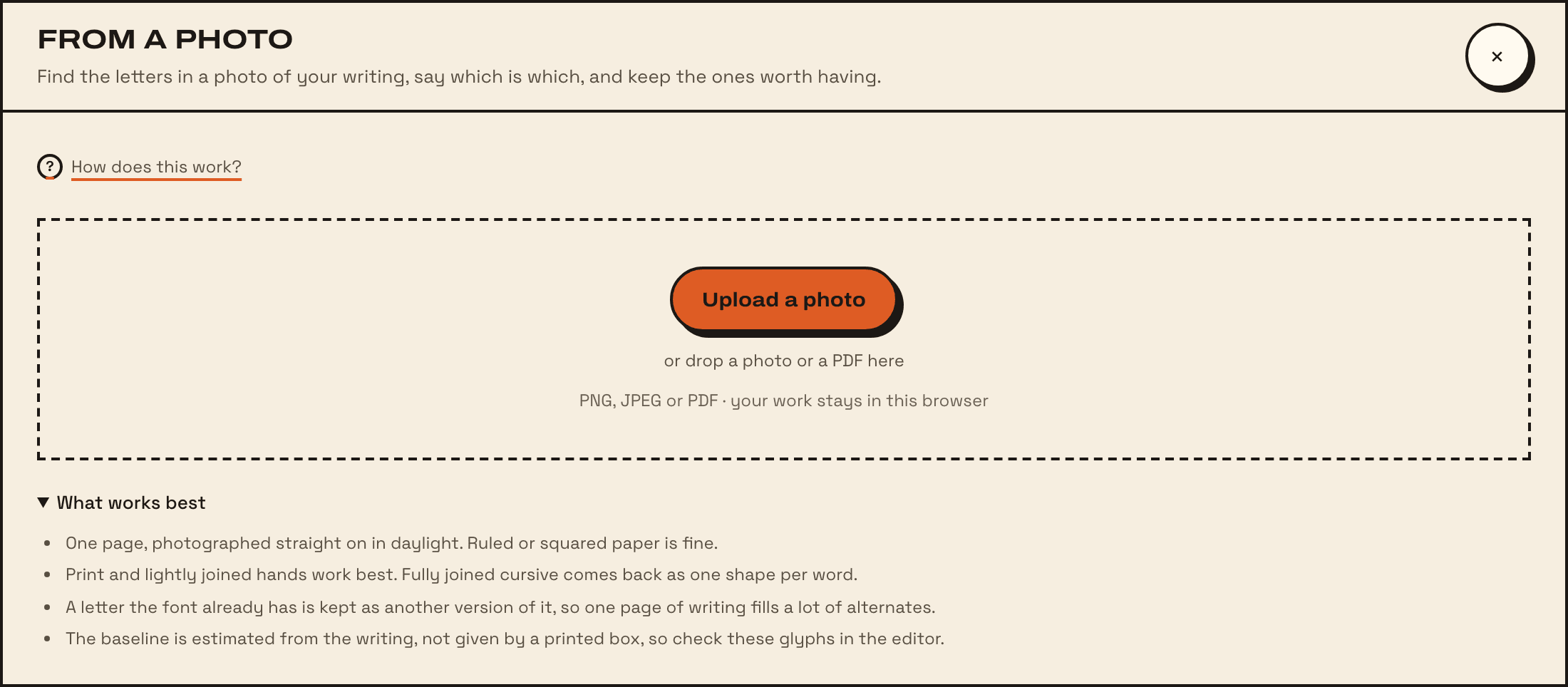
- Choose Take a photo on a phone or tablet, or Upload a photo. You can also drop a photo or a PDF onto the dialog.
- Photograph the page straight on, in daylight. What works best in the dialog has the same advice.
Check the shapes found
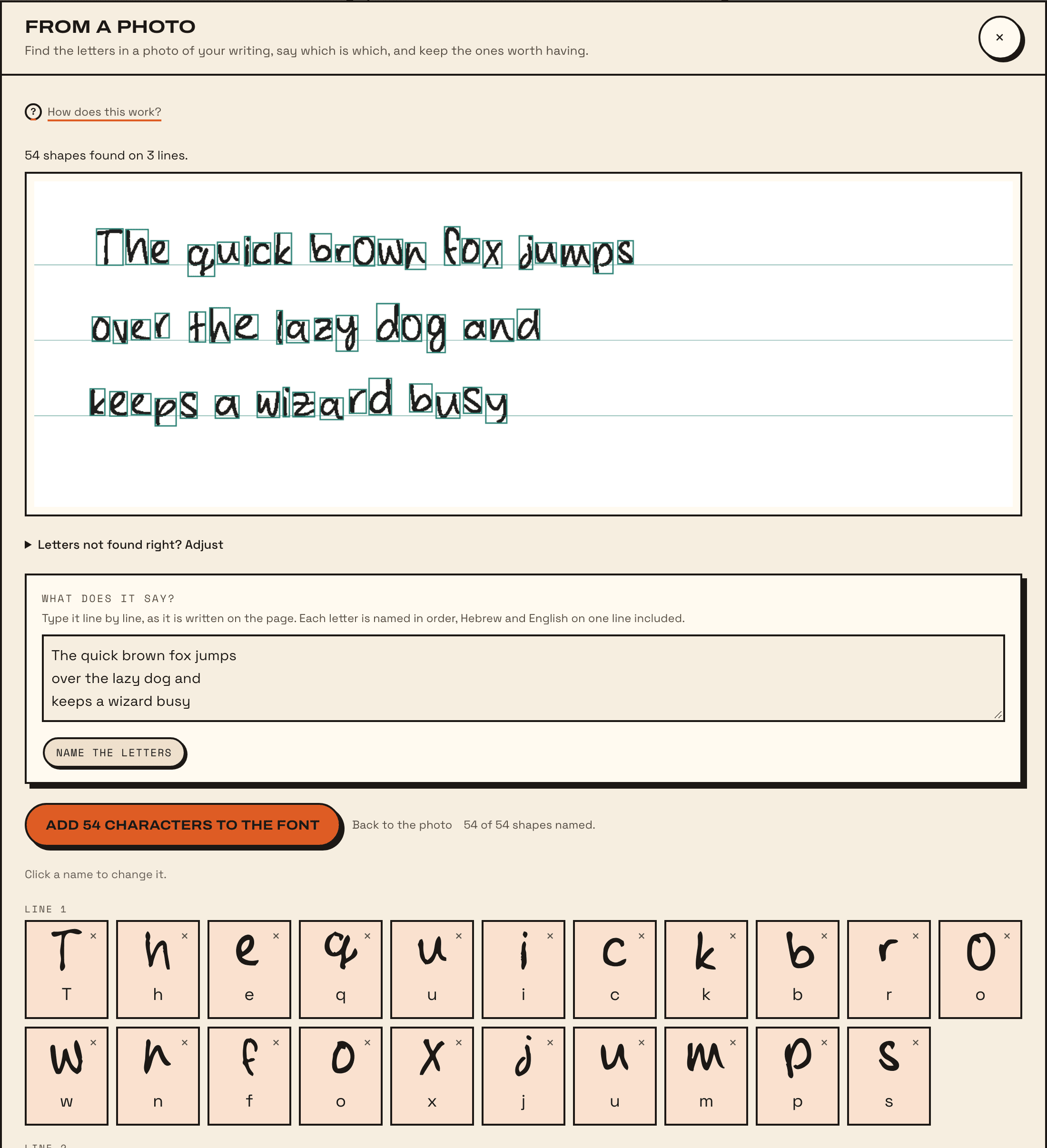
Fonterie shows the photo with every shape it found outlined, and how many shapes on how many lines. If letters are missing or run together, open Letters not found right? Adjust; Smoothing in there takes the jagged pixel edges off the letters.
When the shapes look right, choose Continue with these 43 shapes (it says how many). Choose a different photo starts again.
Type what it says
- Under What does it say?, type the text line by line, as it is written on the page. One line typed for each line written.
- Choose Name the letters. Each shape gets its name in order, right to left on a Hebrew line, left to right on an English one.
- Check the names. Click a name to change it, or the × beside a shape to leave it out.
- Choose Add 43 characters to the font (it counts the named shapes).
If the font already has letters drawn, Guess from existing characters names the shapes by matching them against those instead. When the typing and the page don’t line up, Fonterie says where:
Limits
- Fully joined cursive comes back as one shape per word. Write those letters separately, or use a sheet.
- A character can have up to 4 versions. Once it has them all, more copies are not added, and Fonterie lists which.
- Nikud is taken off its letter and named as the point it is.
- The baseline is estimated, so a letter can sit a little high or low. Check them in the Characters tab.